
.png)

Today, online reputation management is a key tactic top shops use to attract more customers. Online presence is often the first—and sometimes only—impression a customer has of your business. This guide will dive deep into why automotive reputation management is no longer optional, how it impacts your SEO search rankings, and the specific strategies you can use to attract more 5-star reviews.
The importance of online reviews for auto repair shops
Why do online reviews matter so much in the auto repair world? The answer is that most customers check online reviews from Google and other search engines as part of their decision-making process. In addition, online reviews impact your SEO rankings and can help you differentiate your shop from the competition. Here are some other top reasons to keep track of your reviews:
Build trust
High-quality testimonials help build trust before the customer even sets foot in your lobby. Research consistently shows that the majority of customers read online reviews before feeling they can trust a local business. For auto repair shops, positive reviews act as social proof that your shop provides quality services.
Local SEO
When a prospect searches for "oil change near me", the results they see are heavily influenced by SEO strategies. Google prioritizes businesses with a high volume of new reviews, high star ratings, and a complete, active profile. If your competitors have 200 reviews and a 4.8-star average, while you have 120 3-star reviews from 2019, Google will rank your competiton higher. Review management directly impacts your rankings, rankings impact your visibility, and visibility impacts how many customers show up to your shop.
Beating the competition
Go ahead and Google your competition. How many reviews do they have? Do they average 2-star or 5-star reviews? By focusing on auto repair reputation management, you can position your shop as the best in your area. New customers are often hesitant to try a new shop; seeing a consistent stream of positive feedback from satisfied customers lowers that risk and encourages them to stop by.
Another way to move past your competition is to leverage Google Ads. Search ads can help you boost your visibility in more competitive markets and keep your business top of mind.
Best practices for managing your shop's online reputation
Successful auto repair reputation management is a continuous project. Top performing shops have software and employees dedicated to monitoring online reviews. To stay ahead, shops need to follow best practices to maximize their online visibility.
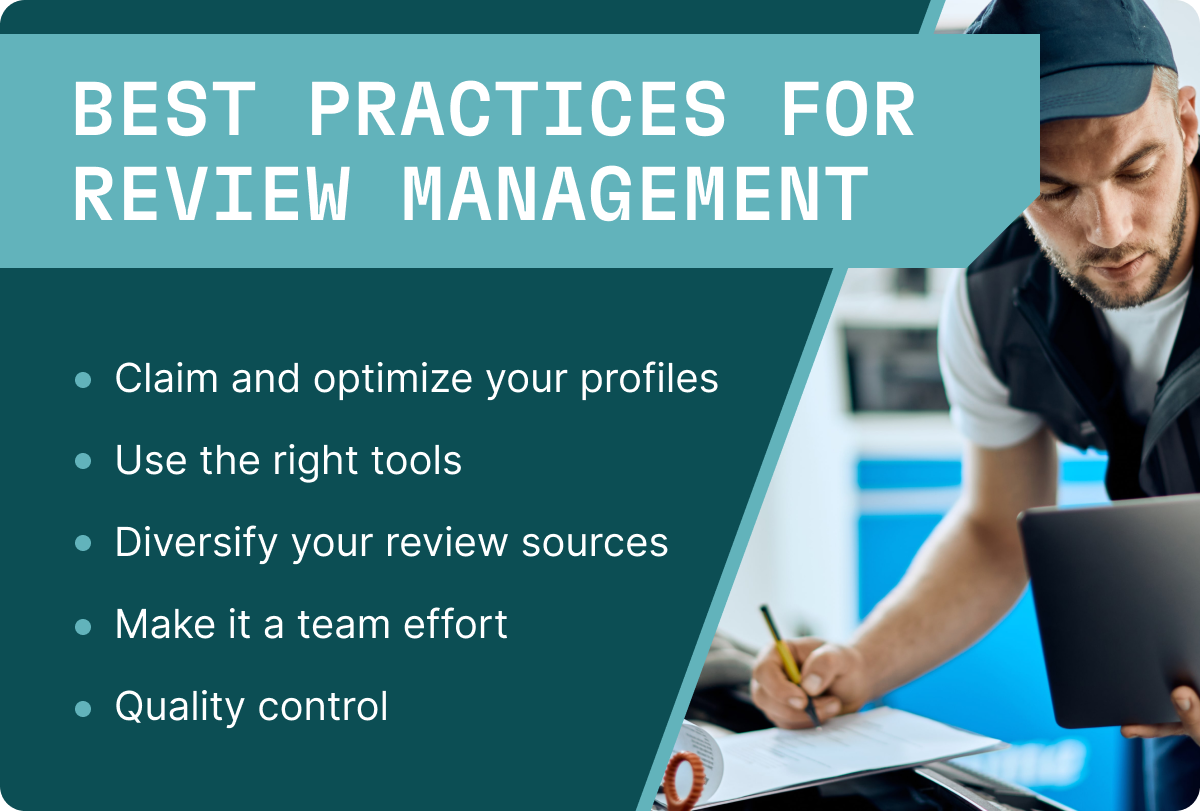
Claim and optimize your profiles
Claim your listings in Google Business, Yelp, and Facebook. Once claimed, you can optimize your profiles by making sure your business name, address, and phone number are consistent across the web. Upload high-resolution photos of your shop, your front-desk staff, and your comfortable waiting area. A professional-looking profile sets the stage for a 5-star experience.
Use the right tools
Many shop owners utilize reputation management software to aggregate reviews into a single dashboard. This allows you to ask for reviews and respond to them in the same platform.
Diversify your review sources
While Google reviews are often the focus of local SEO, don't ignore other platforms. Some customers prefer Yelp, while others might find you through social media. Directing a small percentage of your review requests to different platforms ensures a well-rounded online presence.
Make it a team effort
Your service advisors are the faces of your automotive brand. Train your staff on the importance of the customer experience. If your technician or service advisor is mentioned in a 5-star review, encourage that behavior by rewarding them accordingly. Make it a competition to see who can earn the most 5-star reviews in a month.
Quality control
Use customer feedback internally to improve your operations. If you notice a trend in negative feedback regarding long wait times, don't just ignore it. Use those insights to refine your workflows and teach employees.
How to respond to customer reviews
Responding to online reviews is perhaps the most critical part of review monitoring. It shows potential customers that you are attentive and care about your customers.
Responding to positive reviews
Don't just "like" a 5-star review. Take a moment to write a personalized response.
- Acknowledge them by name: "Hi Sarah, thank you for the kind words!"
- Highlight a specific service: "We’re glad we could get that oil change done quickly for you."
- Invite them back: "We look forward to seeing you at your next service!"
These responses reinforce customer trust and encourage them to come back to your shop for service in the future.
Handling negative reviews
Negative reviews are inevitable in the any business. Parts fail, delays happen, and sometimes there are misunderstandings about pricing. The key is how you handle the negative feedback.
- Stay professional: Never get defensive or angry. Remember, your response is for the future customers reading the review, not just the upset one.
- Acknowledge and apologize: "We’re sorry to hear that your experience didn't meet our standards."
- Move it offline: Provide a name and a phone number for them to contact directly. "We would like to make this right. Please call our manager, Jim, at [Number]."
- Keep it brief: Don't get into a "he-said, she-said" battle on public forums.
Tekmetric offers a feature called private feedback where you can engage with upset customers before it goes public.
Benefits of responding
Regularly responding to reviews tells search engines and prospects that your business is active. This can provide a slight boost to your search rankings. In addition, if you successfully resolve a customer's issue mentioned in a negative review, you can ask them to go back and edit their star ratings or delete the negative feedback entirely.
How to attract more 5-Star reviews for your automotive business
Reviews can come in naturally but customers often need to be prompted to leave a review. While unhappy customers are often highly motivated to vent, satisfied customers frequently forget to share their experiences. The best performing shops have an automated way to ask for, collect, and respond to reviews.
Ask consistently
The simplest way to get more positive reviews is to ask for them. However, timing is everything. The best time to ask for a review is within 24 hours of service before customers move on and forget. A simple, "We're so glad we could get you back on the road! If you're happy with the service, would you mind leaving us a quick review?" goes a long way. Make it easy for the customer by providing a Google review button or link with your completed invoices.
Don’t forget that physical signage can be effective as well. Add a QR code or sign in your lobby asking for customers to leave a 5-star review which will enter them into a drawing for a free oil change.
Leverage SMS and automation
In the automotive industry, convenience is king. Using SMS for review requests has a significantly higher open rate than email. By integrating automation with your Shop Management System (SMS), you can trigger a text message to be sent automatically after a work order is closed. This message should include a direct link to your Google or Yelp profile, making the review process frictionless for the user.
Go the extra mile
One of the best ways to earn a 5-star automotive review is through transparency. Digital Vehicle Inspections (DVIs) allow you to send photos and videos of the needed repairs directly to the customer's phone. When a customer sees the worn-out brake pad, they feel more confident in the repair services. This transparency naturally leads to higher customer satisfaction and better reviews.
Final thoughts
Reputation management creates a natural cycle where great service leads to positive reviews, which improves your local SEO, which attracts new customers, who then leave more reviews. If managing all of this feels overwhelming, Tekmetric can help with online review management software specifically tailored for the automotive industry.
By implementing a clear reputation management strategy, utilizing automation for review collection, and staying active on social media and review sites, you ensure that your auto shop remains the top choice in your community. Remember, every satisfied customer is a potential spokesperson for your brand.


.svg)



.svg)

.svg)
.svg)
.svg)
.svg)
.svg)
.svg)
